Automate Data Imports for
Web Applications

Clean, validate, and onboard user data with a powerful CSV importer built for modern web apps.
No SDK headaches. No messy uploads. Just fast, reliable data flows.
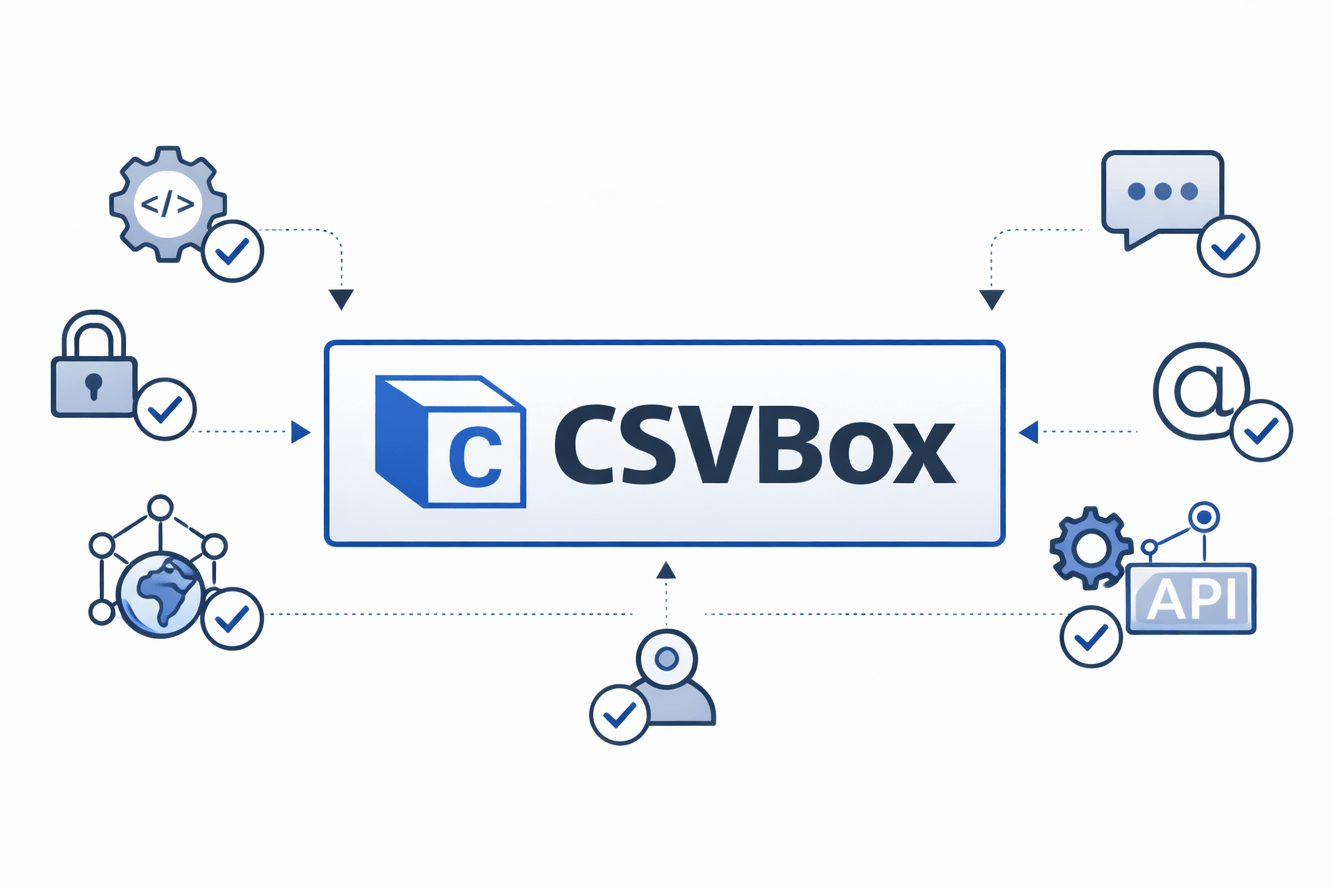
ChatGPT Image Jan 19, 2026, 10_11_54 PM.png

Self serve imports

Customer Onboarding made simple

Web applications often rely on users to upload CSV or Excel files. But every file comes in a different format, structure, and quality.

Error free CSV uploads

Bulk Uploads Without Errors

Without an intelligent importer, teams spend hours. This slows down product development and onboarding.

Seamless Integrations

CRM & ERP Integrations

Some description goes here. Don't make it too long and try to keep the text for all of them about the same length.

The Easiest CSV Importer for Web Applications

Turn messy user uploads into clean, validated data in minutes.
Built for SaaS, dashboards, and modern web platforms.


Built for CSV imports in modern web applications

CSVBox is a powerful CSV importer for web applications that helps SaaS products handle user data effortlessly.
Whether your users upload spreadsheets, bulk records, or structured files, CSVBox ensures clean, validated, and properly mapped data every time.
ChatGPT Image Jan 20, 2026, 12_53_22 AM.png

Faster user onboarding with a self-serve CSV importer

Manual data imports slow down user activation and overload your support team.
CSVBox gives your users a self-serve CSV upload experience.
ChatGPT Image Jan 20, 2026, 12_31_02 AM.png

Reliable data validation for SaaS and web platforms

CSVBox automatically validates file structure, formats, and required fields before data enters your system.
This prevents bad data from breaking your workflows and ensures consistent, high-quality imports across your app.
ChatGPT Image Jan 20, 2026, 12_25_20 AM.png

The Data Import Problem in Web Applications

Why most web apps struggle with user data uploads — and how CSVBox fixes it.

data-analytics.png

Messy & Inconsistent User Data

Web applications often rely on users to upload CSV or Excel files.
But every file comes in a different format, structure, and quality.
distribution.png

Manual Mapping & Engineering Overhead

Without an intelligent importer, teams spend hours building custom import logic and fixing edge cases.
human-resource.png

Poor Onboarding experience

A confusing import process leads to user drop-offs and longer setup times.
Low activation results in higher churn.
First impressions matter for every SaaS and web application.

Trusted by imaginary Companies

palletfish.svgm.c.p..svgepism.svglecoid.svgunwined.svgpallace.svgchiabele.svglecoid.svglancelite.svghivebill.svgfrescon.svgcarassava.svg

Use case for WEB APPS

warning (1).png

Painpoint


User-uploaded CSV and Excel files come in different formats, structures, and quality — causing broken imports and bad data.
question (1).png

How CSVBox helps


User-uploaded CSV and Excel files come in different formats, structures, and quality — causing broken imports and bad data.
growth (1).png

Result


Faster onboarding, fewer errors, and reliable data for your web app.

Ready to get Started?

Create your account for free to try our product.

Cookie Settings
This website uses cookies

Cookie Settings

We use cookies to improve user experience. Choose what cookie categories you allow us to use. You can read more about our Cookie Policy by clicking on Cookie Policy below.

These cookies enable strictly necessary cookies for security, language support and verification of identity. These cookies can’t be disabled.

These cookies collect data to remember choices users make to improve and give a better user experience. Disabling can cause some parts of the site to not work properly.

These cookies help us to understand how visitors interact with our website, help us measure and analyze traffic to improve our service.

These cookies help us to better deliver marketing content and customized ads.