Finance ready data imports
for Fintech

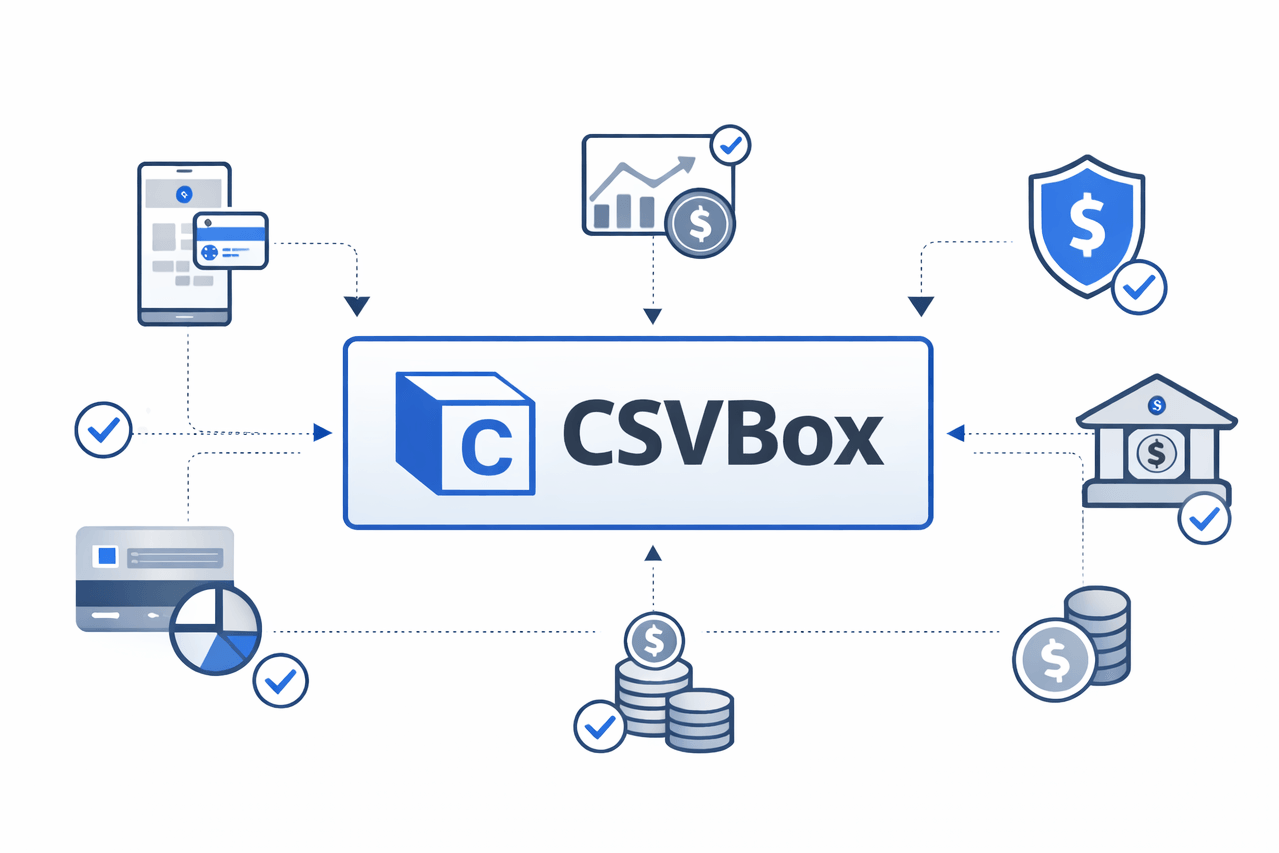
Import transactions, invoices, and financial records into your finance software with a secure, no-code CSV importer built for accuracy and compliance.
ChatGPT Image Jan 19, 2026, 10_00_13 PM.png

Map Financial Data in Seconds

Smart Financial Data Mapping

Finance users upload CSV and Excel files in many different formats. CSVbox automatically maps financial data to your system’s schema without manual setup.

Catch Errors Before Import

Real-Time Validation for Errors

Finance users upload CSV and Excel files in many different formats. CSVbox automatically maps financial data to your system’s schema without manual setup.

Enterprise-Grade Data Security

Secure and compliant Imports

CSVbox ensures financial data imports follow security and compliance standards, keeping sensitive records protected at every step.

Why Financial Data Imports Are a Bottleneck?

Finance teams often deal with messy spreadsheets, inconsistent formats, and manual data entry when importing transactions, invoices, and account records.

data-analytics.png

Messy & Inconsistent Financial Data

Finance users upload CSV and Excel files in different formats, with missing fields, incorrect values, and inconsistent structures. This makes importing financial records into accounting or fintech systems slow, error-prone, and unreliable.
distribution.png

Manual Mapping & Engineering Overhead

Engineering teams spend valuable time building and maintaining custom CSV import workflows for financial data. Every new format requires manual mapping, validation logic, and ongoing fixes.
human-resource.png

Poor Financial Onboarding Experience

Slow, error-filled data imports frustrate finance users during onboarding. Failed uploads and unclear errors delay setup, reduce activation, and hurt user trust in financial software.

Trusted by imaginary Companies

palletfish.svgm.c.p..svgepism.svglecoid.svgunwined.svgpallace.svgchiabele.svglecoid.svglancelite.svghivebill.svgfrescon.svgcarassava.svg

Use case for FINTECH

Great for displaying multiple features and things like that.

warning (1).png

Painpoint


Financial data uploads come in different formats, causing frequent import errors.
question (1).png

How CSVBox helps


CSVBox automatically maps, validates, and cleans financial spreadsheets.
growth (1).png

Result


Compliant data, faster onboarding, and reliable systems.

The Easiest CSV importer for Fintech

Automatically map and validate customers data from any spreadsheet.
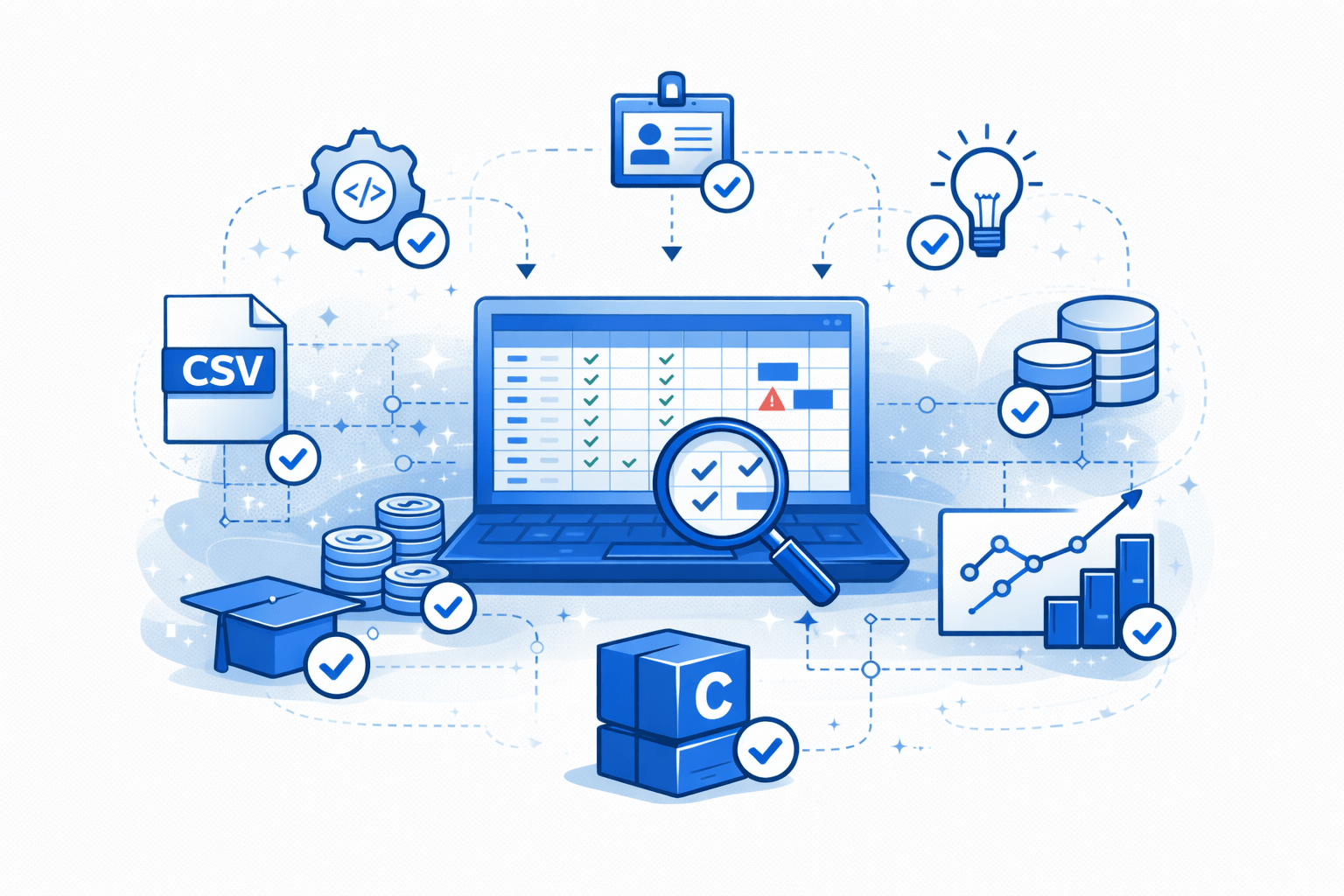
Built for Financial Data Accuracy

CSVbox ensures all financial records follow the correct structure for accounting, invoicing, and reporting systems even with inconsistent CSV files
ChatGPT Image Jan 20, 2026, 12_53_22 AM.png

Onboard Customers 10x Faster

Reduce manual data cleanup and back-and-forth with clients by enabling self-serve financial data uploads.
ChatGPT Image Jan 20, 2026, 12_31_02 AM.png

Improve Compliance & Reporting

CSVBox automatically validates file structure, formats, and required fields before data enters your system.
This prevents bad data from breaking your workflows and ensures consistent, high-quality imports across your app.
ChatGPT Image Jan 20, 2026, 12_25_20 AM.png

A smarter way to import financial services data

CSVBox helps you import, validate, and structure spreadsheet data across finance, operations, and customer systems.

one.png

Invoices and Bills

Import vendor invoices and billing records with automatic validation and error handling.
two.png

Vendors

Standardize supplier data from messy CSV files into clean, structured records.
three.png

Customer Accounts

Onboard customer data with guided column mapping and real-time validation.
four.png

Subscription and Renewals

Import recurring billing and renewal records without formatting issues.
5.png

Inventory

Sync product and stock data from spreadsheets into your system instantly.
six.png

Reimbursements

Process expense and reimbursement CSVs with zero data inconsistencies.

Ready to ship imports 10x faster?

Join teams who've eliminated import headaches with CSVBox.

Cookie Settings
This website uses cookies

Cookie Settings

We use cookies to improve user experience. Choose what cookie categories you allow us to use. You can read more about our Cookie Policy by clicking on Cookie Policy below.

These cookies enable strictly necessary cookies for security, language support and verification of identity. These cookies can’t be disabled.

These cookies collect data to remember choices users make to improve and give a better user experience. Disabling can cause some parts of the site to not work properly.

These cookies help us to understand how visitors interact with our website, help us measure and analyze traffic to improve our service.

These cookies help us to better deliver marketing content and customized ads.